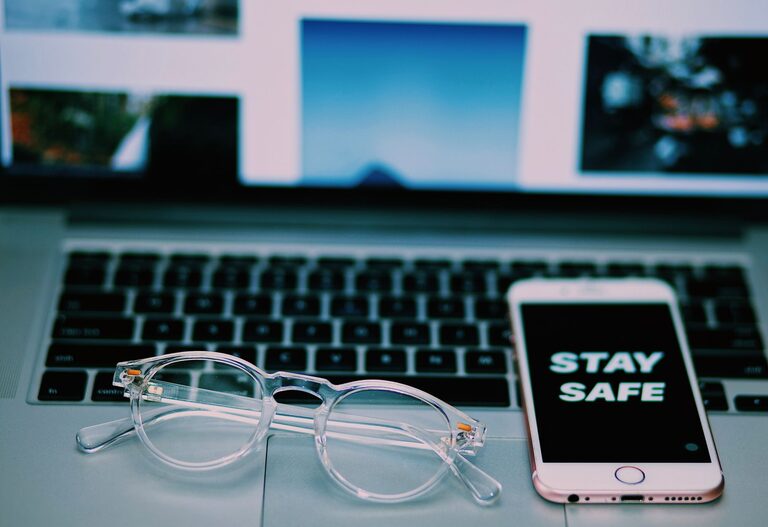
Keeping your phone and keyboard clean is more important than ever. These devices are used daily and can accumulate dirt, oils, and germs quickly. However, cleaning them improperly can cause damage. This guide will walk you through safe and effective steps to clean your phone and keyboard, helping you maintain hygiene and preserve your devices’ longevity.
Why Clean Your Phone and Keyboard?
Phones and keyboards are high-touch surfaces that collect bacteria, dust, and oils from your hands and environment. Over time, these can affect device performance and personal health. Regular cleaning not only reduces germs but also keeps your devices looking and working their best.
General Safety Tips Before Cleaning
Before you start, keep these safety tips in mind:
– Turn off and unplug devices. Always power down your phone and unplug your keyboard to avoid damage.
– Use gentle cleaning materials. Harsh chemicals or abrasive tools can scratch screens or damage keys.
– Avoid moisture inside devices. Liquid can cause serious harm if it seeps into electronic components.
– Be patient. Cleaning takes time—rushing can lead to mistakes.
How to Clean Your Phone Safely
What You’ll Need
– Microfiber cloth
– Isopropyl alcohol (70% solution recommended)
– Cotton swabs
– Distilled water
– Soft brush (optional)
Step-by-Step Cleaning
- **Power off your phone.** Make sure your device is completely turned off.
- **Remove phone case and accessories.** Clean these separately.
- **Mix cleaning solution.** Combine equal parts of isopropyl alcohol and distilled water in a small container.
- **Dampen the cloth lightly.** Moisten the microfiber cloth with the solution; do not soak it.
- **Wipe your phone’s surfaces.** Gently clean the screen, back, and sides. Avoid pressing hard.
- **Use cotton swabs for ports.** Lightly dampen a swab with the solution and clean charging ports, headphone jacks, and speaker grills.
- **Dry immediately.** Use a dry microfiber cloth to remove any moisture.
- **Clean your phone case separately.** Depending on the material, soap and water or disinfecting wipes can be used.
Tips to Avoid Damage
– Do not spray liquids directly onto your phone.
– Avoid bleach, ammonia, or window cleaners.
– Do not clean your phone while charging.
– Let your phone air dry completely before turning it on.
How to Clean Your Keyboard Safely
What You’ll Need
– Compressed air canister
– Soft brush or old toothbrush
– Microfiber cloth
– Mild dish soap
– Isopropyl alcohol (70%)
– Cotton swabs
Step-by-Step Cleaning
- **Unplug your keyboard.** If wireless, remove batteries or turn off Bluetooth.
- **Flip and shake gently.** Turn the keyboard upside down and shake to remove loose debris.
- **Use compressed air.** Blow out dust and crumbs from between the keys.
- **Brush the keys.** Gently scrub with a soft brush to loosen dirt.
- **Clean key surfaces.** Lightly dampen a microfiber cloth with a mixture of water and mild dish soap, then wipe keys.
- **Disinfect keytops.** Use a cotton swab dipped in isopropyl alcohol to clean key surfaces carefully.
- **Dry thoroughly.** Make sure the keyboard is completely dry before reconnecting.
Tips for Mechanical and Laptop Keyboards
– For mechanical keyboards, keycaps can be removed for deeper cleaning. Be sure to check your keyboard’s manual.
– Laptop keyboards require extra caution due to their delicate components. Use minimal moisture and avoid removing keys unless specified.
Regular Maintenance Tips
– Clean your phone and keyboard weekly or more often if used heavily.
– Wash your hands before using devices.
– Avoid eating over keyboards to prevent crumbs and spills.
– Use screen protectors and keyboard covers to reduce dirt buildup.
Final Thoughts
Cleaning your phone and keyboard regularly with the right techniques helps keep your devices hygienic and functioning well. By using gentle materials, avoiding excess moisture, and taking your time, you can safely clean without risk of damage. Make it a part of your routine to enjoy clean and well-maintained electronics every day.
About the Author